Offline payment vouchers
The Offline Payment Vouchers page (sidebar: Analysis → Offline Payment Vouchers) shows the vouchers of a station with their value and redeemed amount. Its page heading is Payment Voucher. The page is for viewing only. You need the Payment Vouchers permission (see User management).
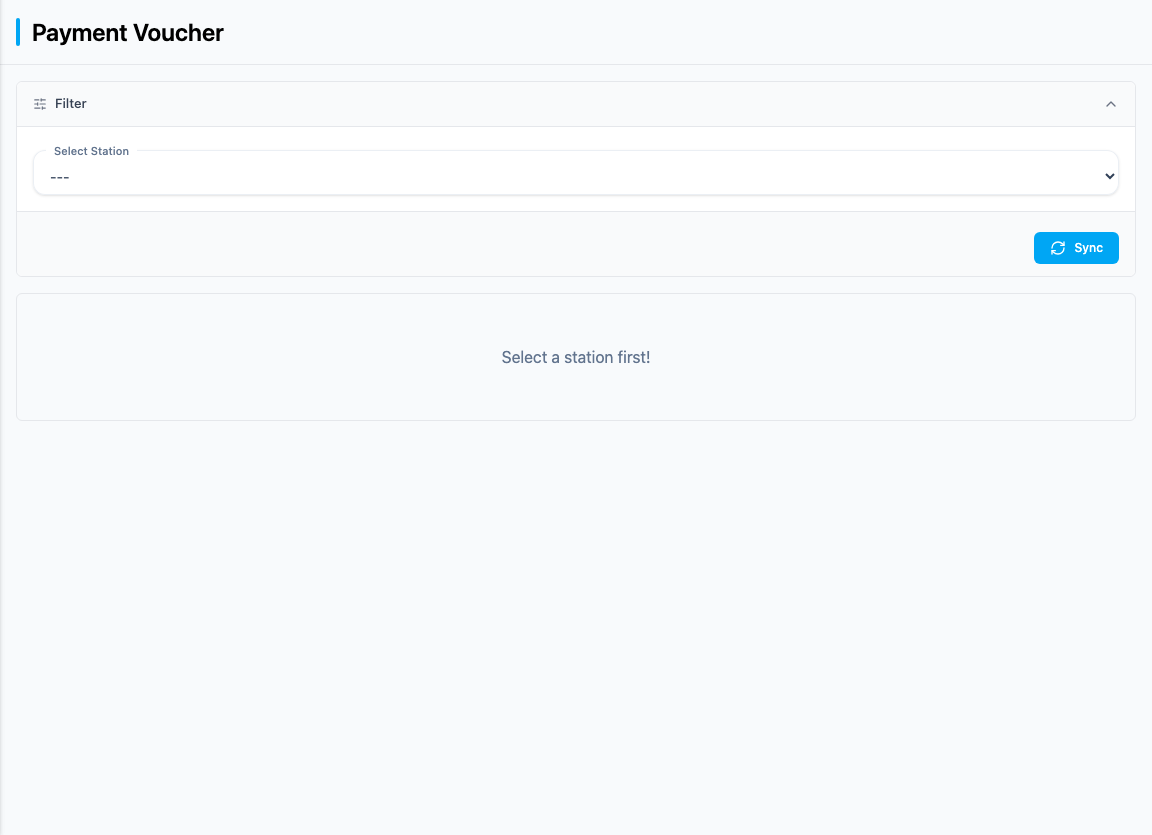
Show vouchers
- Select a station under Select Station. The selection is then kept in the browser's address bar.
- The vouchers of the station appear in the table.
If no station has been selected yet, "Select a station first!" is shown. If there are no vouchers, the message reads "No payment vouchers found! Try syncing first." – then click Sync.
| Column | Meaning |
|---|---|
| No. | Voucher number |
| Name | Name of the voucher |
| Voucher value | Value of the voucher |
| Redeemed amount | Redeemed amount |
| Type | Type of voucher: Fuel quantity, Fuel amount or Goods voucher |
The footer shows the Total sums for Voucher value and Redeemed amount. In the Type column, it shows the difference between the two sums.
Sync
Click Sync to retrieve the current list of vouchers directly from the selected station. The station must be reachable. The list in Dedomenon is then replaced by the station's current list. The message "Sync in progress" appears, and the table is reloaded afterwards. Without a click, the page shows the state of the last update. Nothing happens without a selected station.