Product Categories
Product categories (menu item Warecategory) are a second, independent way of classifying your articles alongside product groups. They are also assigned in the articles' master data.
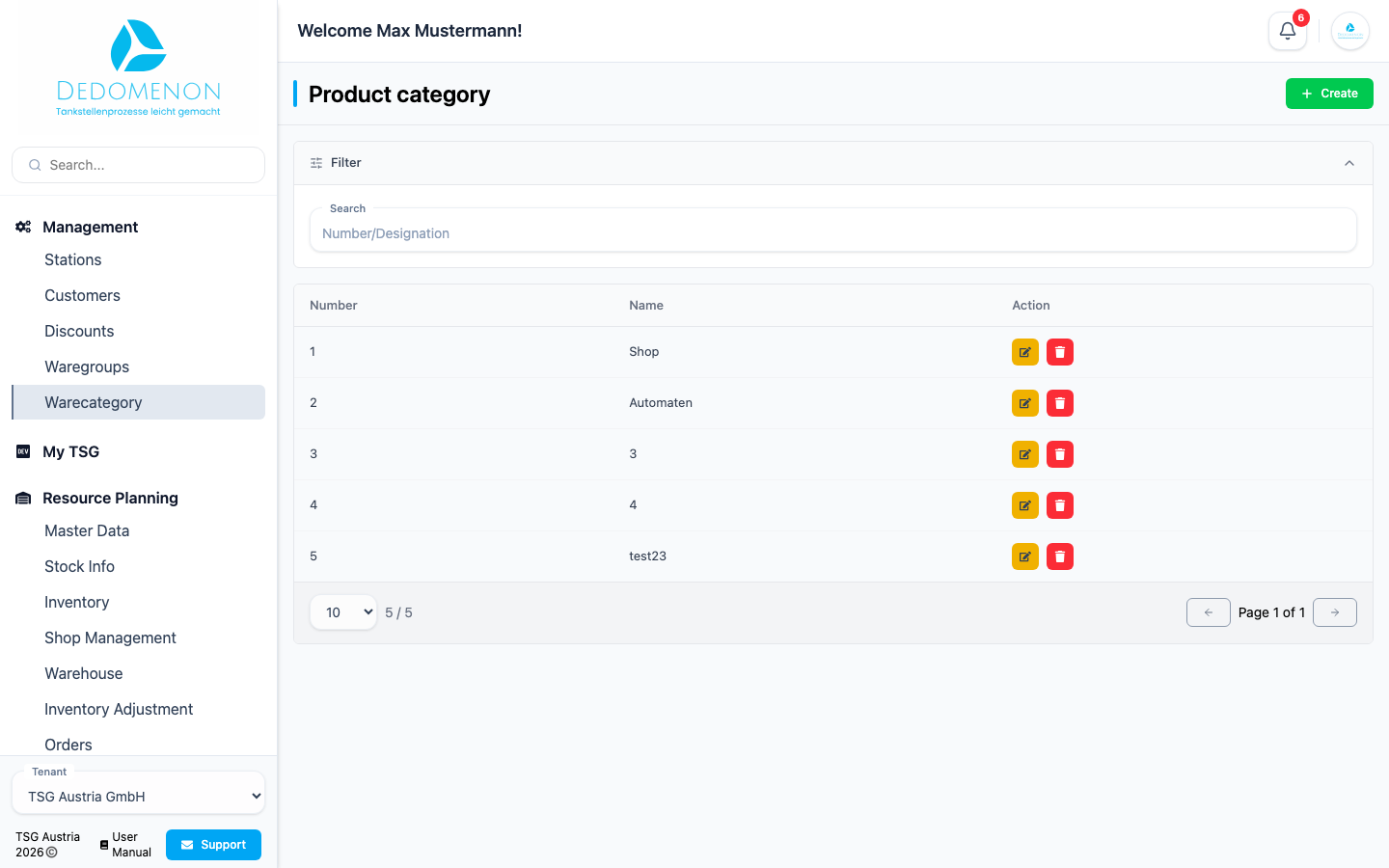
The Product category page lists all categories with Number and Name. Use Search to find categories by number or name.
Creating a product category
- Click Create.
- In the Create new category dialog, enter the Number and Name.
- Click Save.
Editing or deleting a product category
- Edit: Click the pencil icon, change the code or name in the Product category Edit dialog and click Save.
- Delete: Click the trash icon. The message Product category has been deleted confirms the deletion.
caution
The product category is deleted immediately, without a confirmation prompt.