Cash
The Cash page (sidebar: Analysis → Cash) has the heading BNA. It lists the transactions of a station for a period with BNA details as well as new and used credit notes. It is for viewing only. You need the BNA permission (see User management).
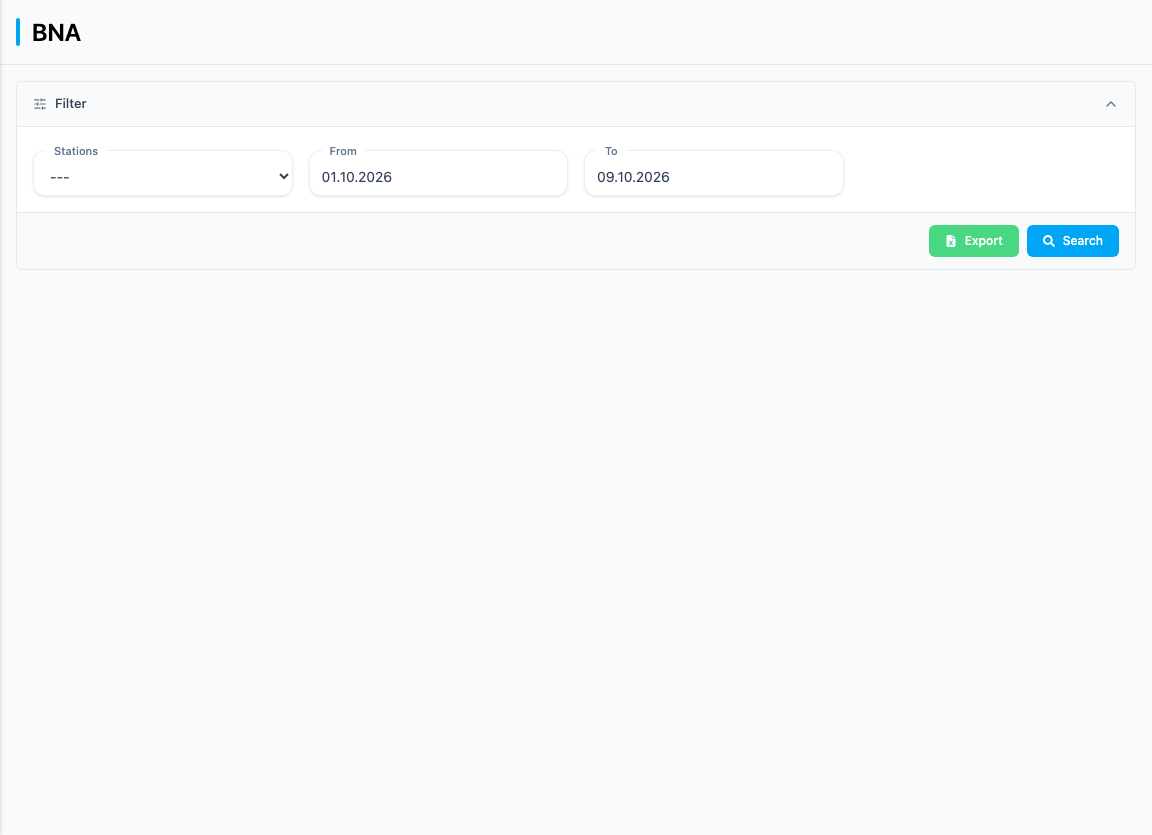
The page shows transactions that were paid with banknotes at the banknote acceptor of the self-service terminal. BNA is the abbreviation for the banknote acceptor. If more money is inserted than the purchase costs, the terminal issues a credit note for the difference.
Search for transactions
- Select a station under Stations. Without a station, no data is loaded.
- Set From and To. The defaults are the beginning of the month and today's date.
- Click Search.
Your selection is kept in the browser's address bar, so reloading or sharing the link gives the same view. The end date is included in the search.
The list
| Column | Meaning |
|---|---|
| Receipt Nr. | Receipt number; use the Filter field below it to filter the list by part of the number |
| Date | Date and time of the receipt |
| Total | Receipt total |
| Current remaining balance | Number of the credit note issued with this transaction; searchable with Filter |
| Used remaining balance | Number of a credit note that was redeemed as payment in this transaction; searchable with Filter |
| Actions | Arrow icon to expand and collapse the details |
At the end of the list you find the Total of the displayed (filtered) receipts, followed by the pagination.
Transaction details
Click a row to expand the details below it. Another click collapses them again.
| Block | Details |
|---|---|
| BNA Details | BNA number, BNA balance after transaction, Amount inserted, Amount used |
| New BNA Credit Note | Remaining credit value, New Credit Note Number |
| Used Credit Note | Used Credit Note, Amount used, Receipt Number |
If a value is missing, "-" is shown.
Export
Export downloads the transactions of the station and period you last searched for as a CSV file (the file name starts with "transactions" and contains the from and to dates). The button is only enabled once the list contains entries.
For further evaluations of credit notes see Credit notes.