Signing In and Out
Signing in
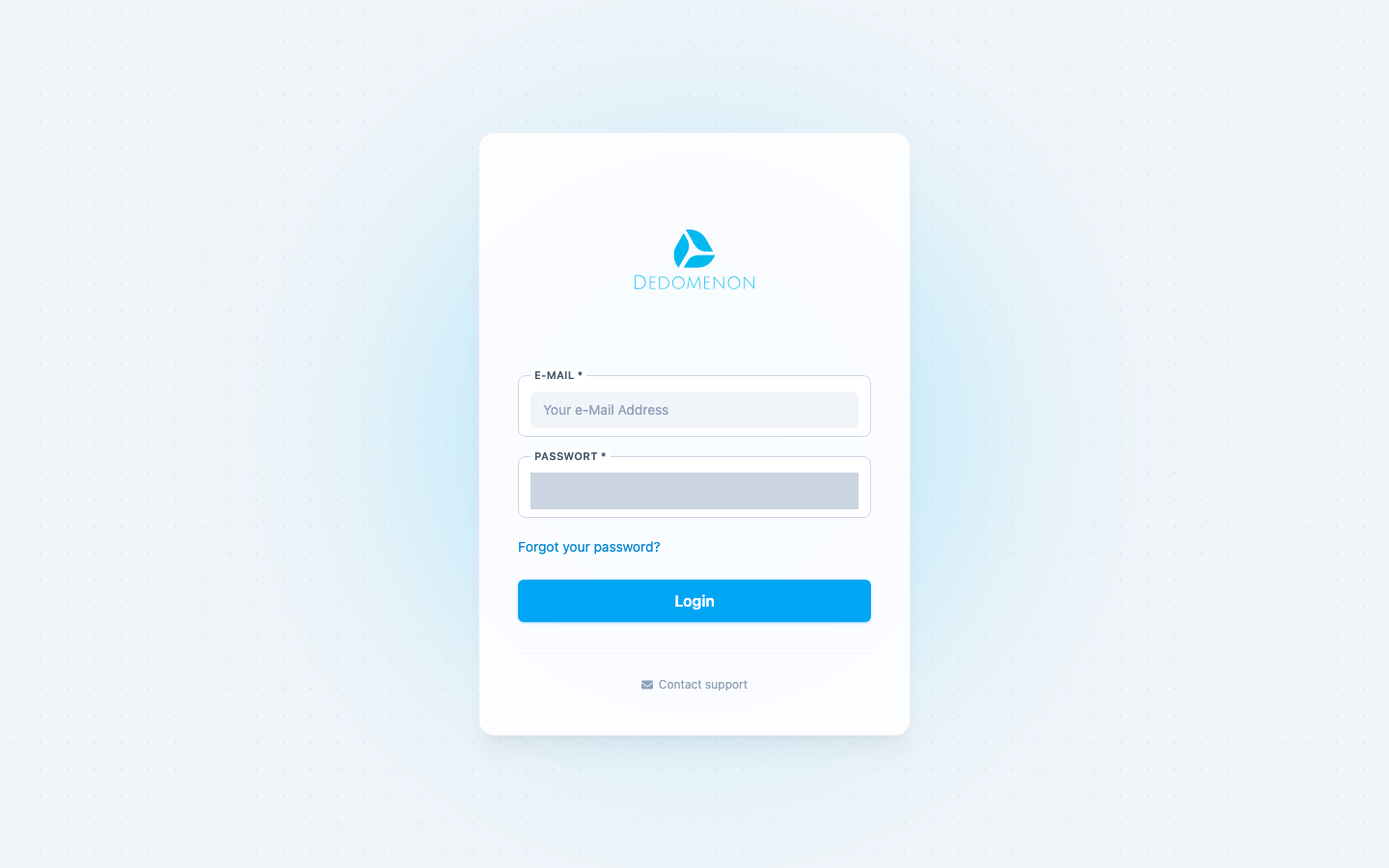
- Open Dedomenon in your browser. You receive the address from TSG Austria or your administrator.
- Enter your email address under E-Mail.
- Enter your password under Password. Use the eye icon in the field to show or hide the password.
- Click Login.
After signing in, the overview opens.
Login failed
If the message Incorrect login details appears, your email address or password is wrong. Check your input (passwords are case-sensitive) or reset your password.
Forgot your password?
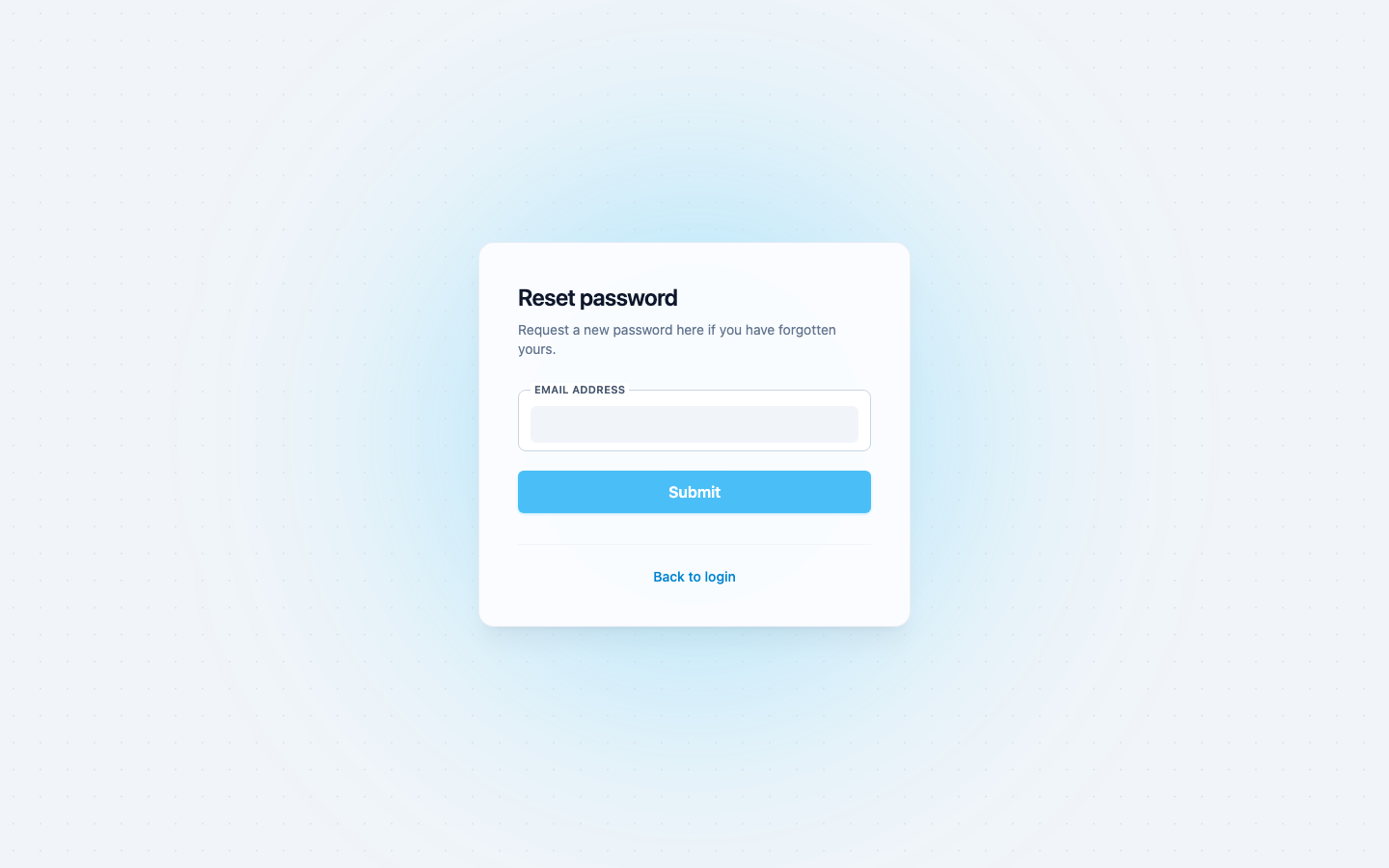
- On the sign-in page, click Forgot your password?.
- Enter the email address of your user account and confirm.
- You receive an email with a reset link. Open the link.
- Choose a new password and confirm it.
- Sign in with your new password.
note
After submitting, you have to wait a moment before you can request another email. If no email arrives, check your spam folder. If no user exists for the email address, an error message is shown.
Signing out
Click your company's logo or initial in the top right corner and select Sign Out. You can also sign out with the button on your profile page.
tip
Always sign out when you work on a shared computer.
Contacting support
If you are stuck, click Contact support on the sign-in page. Your email program opens with a message to the Dedomenon support team.