Stations
Under Management → Stations you manage all fuel stations of your company. Dedomenon uses this data to connect to the point-of-sale systems and terminals on site, for receipts and for reports.
Station list
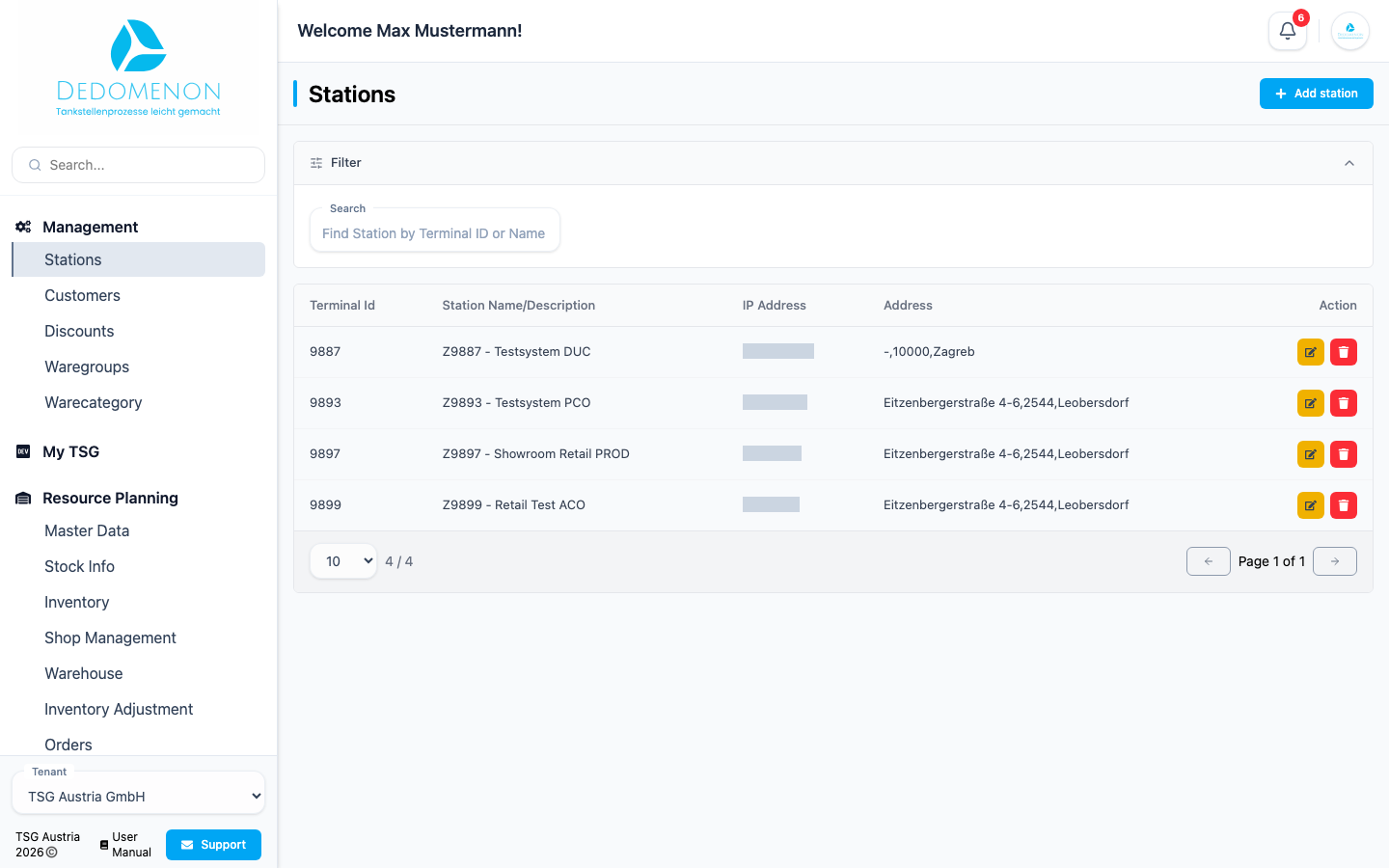
The table shows the Terminal ID, Station Name/Description, IP Address and Address of each station. Use the Search field to find a station by terminal ID or name.
Adding a station
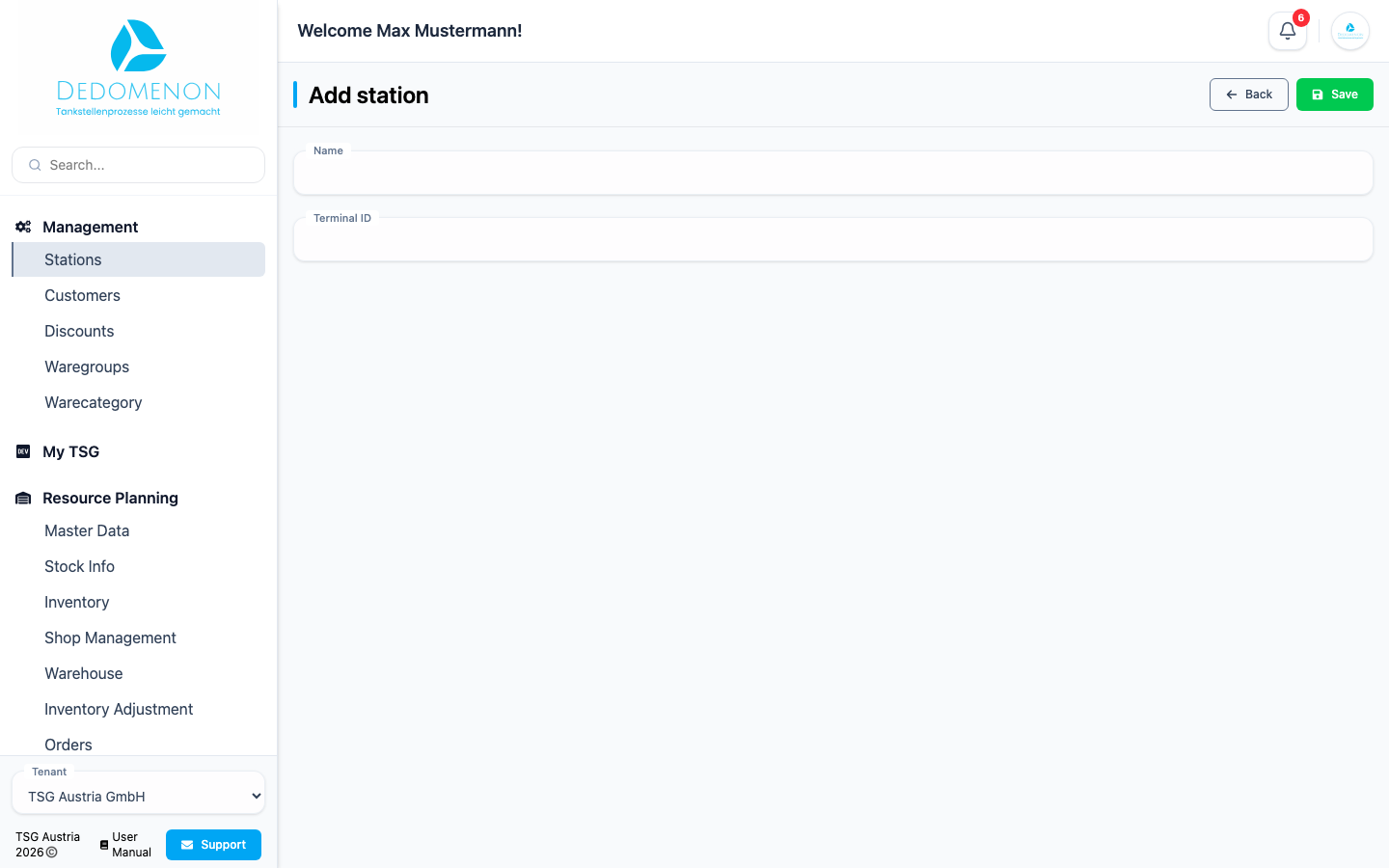
- Click Add station.
- Enter the Name and Terminal ID of the station.
- Click Save.
Dedomenon creates the station and opens its edit page right away, where you complete the remaining data.
Editing a station
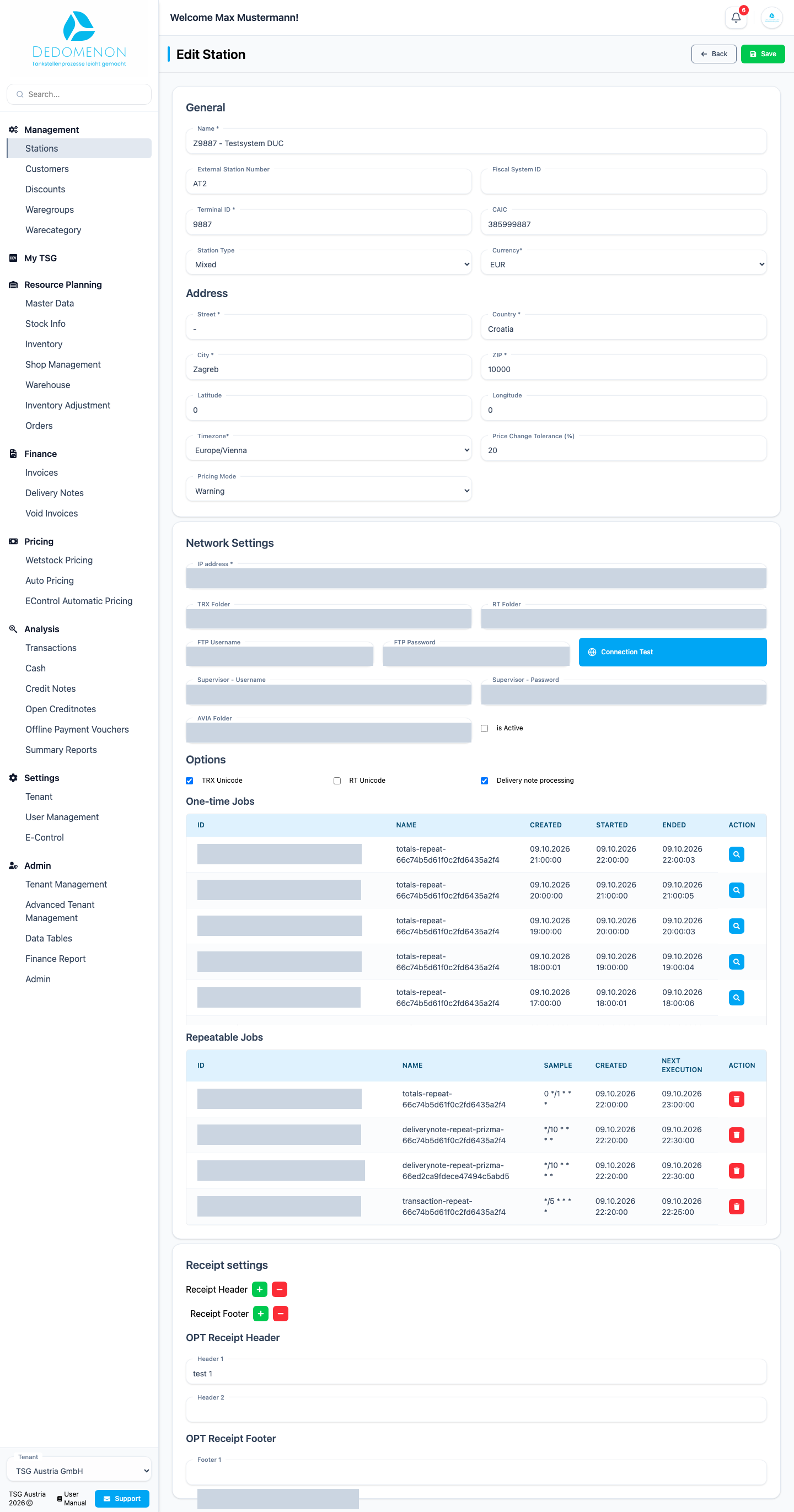
In the station list, click the pencil icon of the station. The Edit Station page is divided into several sections. Save your changes with Save in the top right corner.
General
| Field | Meaning |
|---|---|
| Name | Name of the station as shown in lists and reports |
| External Station Number | Number of the station in an external system, e.g. your accounting software |
| Fiscal System ID | ID of the cash register used for fiscalisation |
| Terminal ID | ID of the station's terminal |
| CAIC | ID used for card acceptance |
| Station Type, Currency | Type of station and the currency it bills in |
| Price change tolerance (%), Pricing Mode | How far fuel prices may deviate during a price change and how Dedomenon reacts if the limit is exceeded |
Address
Street, Country, City, ZIP, Latitude, Longitude and Timezone of the station. The address appears on receipts and invoices; the timezone determines how transaction times are displayed.
Network Settings
These settings define how Dedomenon communicates with the station's point-of-sale system. They are usually set up by TSG Austria when the station is commissioned.
| Field | Meaning |
|---|---|
| IP address | Network address of the station |
| TRX Folder, RT Folder | Folders from which transactions and running totals are read |
| FTP Username, FTP Password | Credentials for the file transfer |
| Connection Test | Checks whether Dedomenon can reach the station with these settings |
| Options | e.g. enable Delivery note processing |
Below, One-time Jobs and Repeatable Jobs list the station's background tasks, such as the regular import of transactions, with the time of the last and next run.
Receipt settings
Define the header and footer lines printed on the station's receipts.
- Add Header Row or Add Footer Row adds a new line.
- Remove Header or Remove Footer deletes a line.
Changing the network settings can break the connection to the station. Only change these values if you are sure, or after consulting support.