Product Groups
Product groups (menu item Waregroups) organise your articles, for example into “Fuel”, “Drinks” or “Tobacco”. They are used in the articles' master data and help to summarise sales in reports.
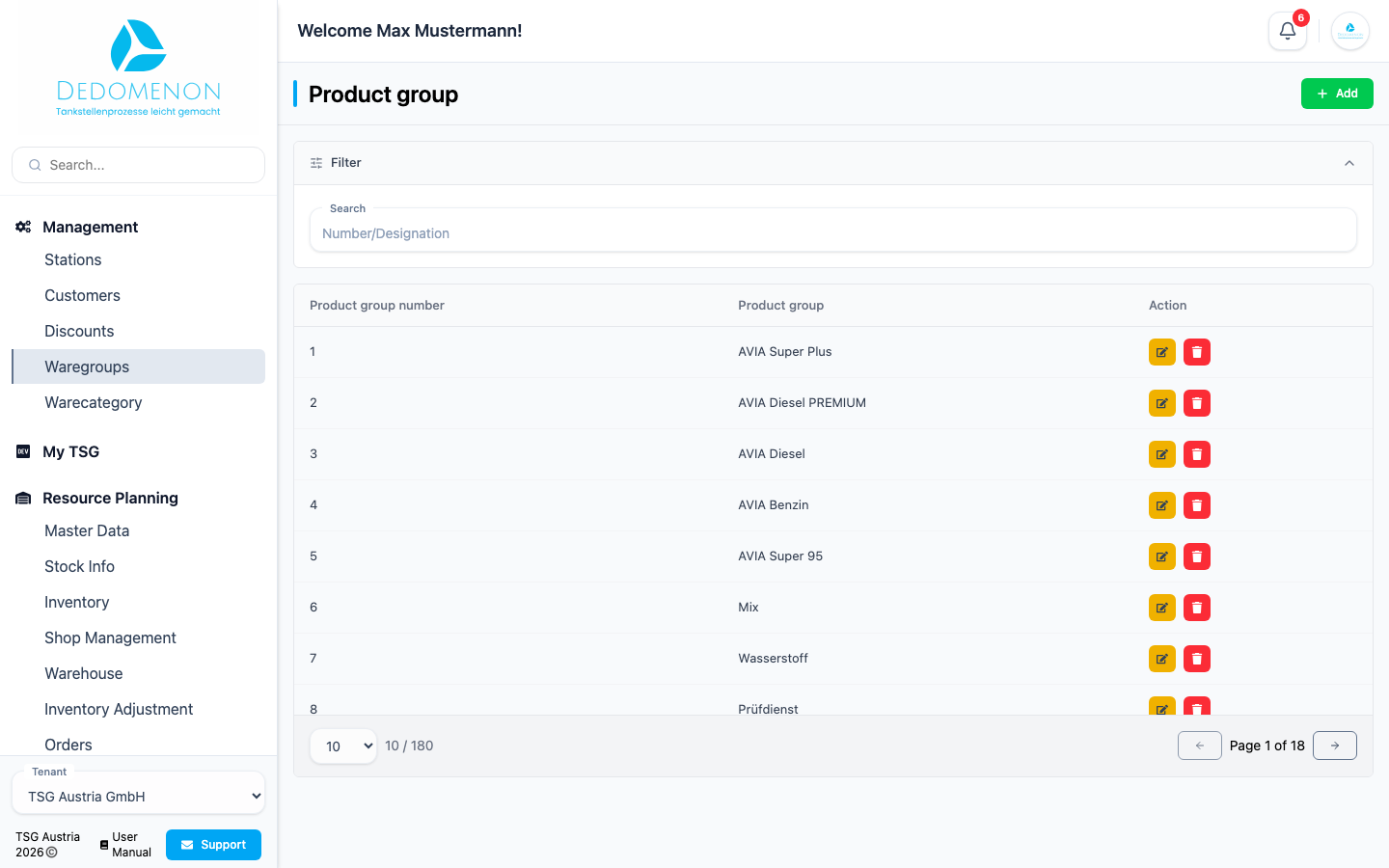
The Product group page lists all groups with Product group number and Product group. Use Search to find groups by number or name.
Creating a product group
- Click Add.
- In the Create new product group dialog, enter the Number and Name.
- Click Save.
Editing or deleting a product group
- Edit: Click the pencil icon, change the number or name in the Product group Edit dialog and click Save.
- Delete: Click the trash icon.
caution
The product group is deleted immediately, without a confirmation prompt. Only delete product groups that no longer have any articles assigned.