Discounts
Under Management → Discounts you create discount lists. A discount list contains discounts for individual articles. You then assign the list to one or more customers, who receive the discounts.
Discount lists
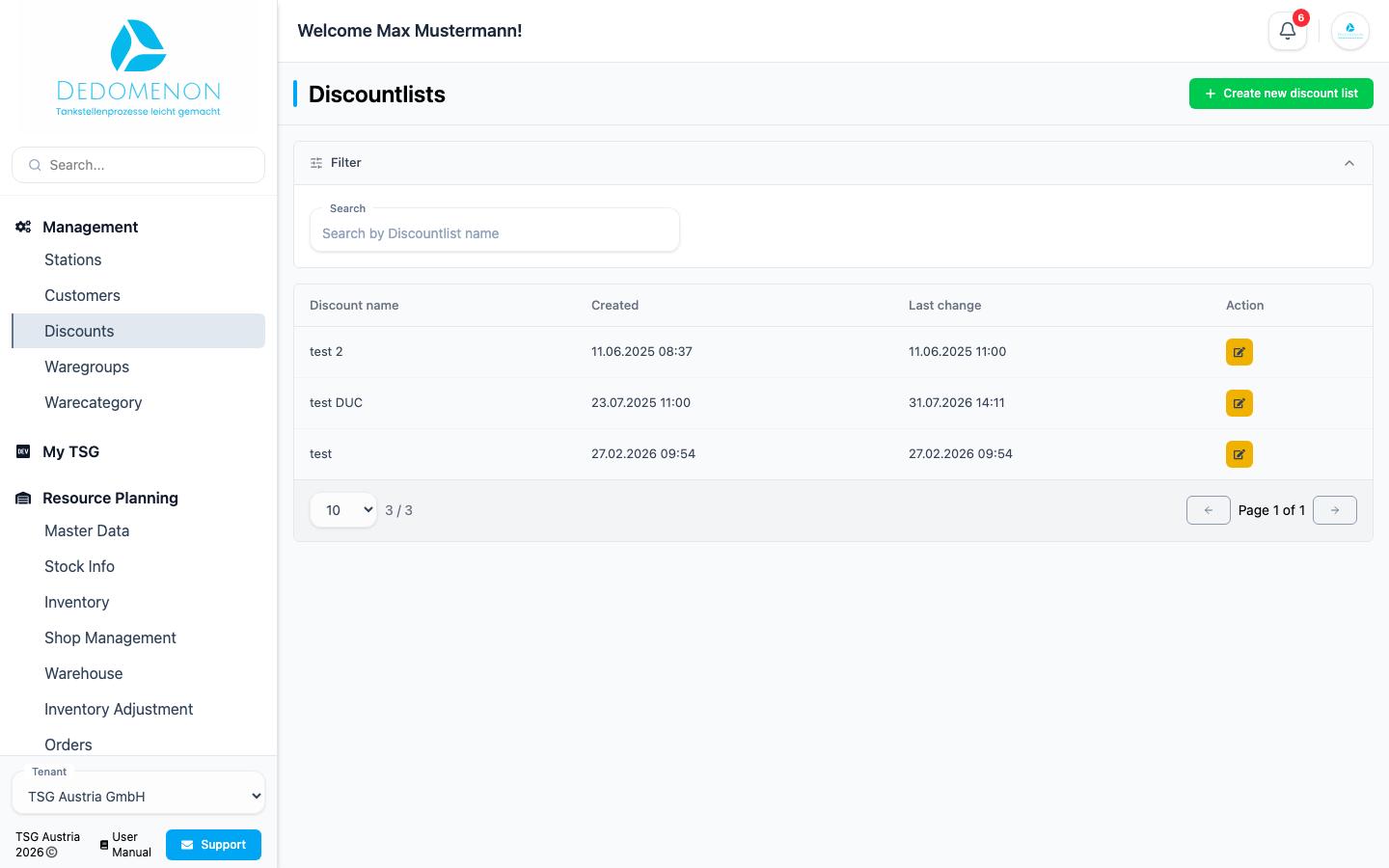
The Discountlists page shows all lists with Discount name, Created and Last change. Use Search to find a list by name.
Creating a discount list
- Click Create new discount list.
- Enter a Name, for example “Key accounts 2026”.
- Click Save.
Managing the discounts of a list
Click the pencil icon of a discount list. The Discount Management page shows all discounts of the list with Article number (PLU), Article, type and Value.
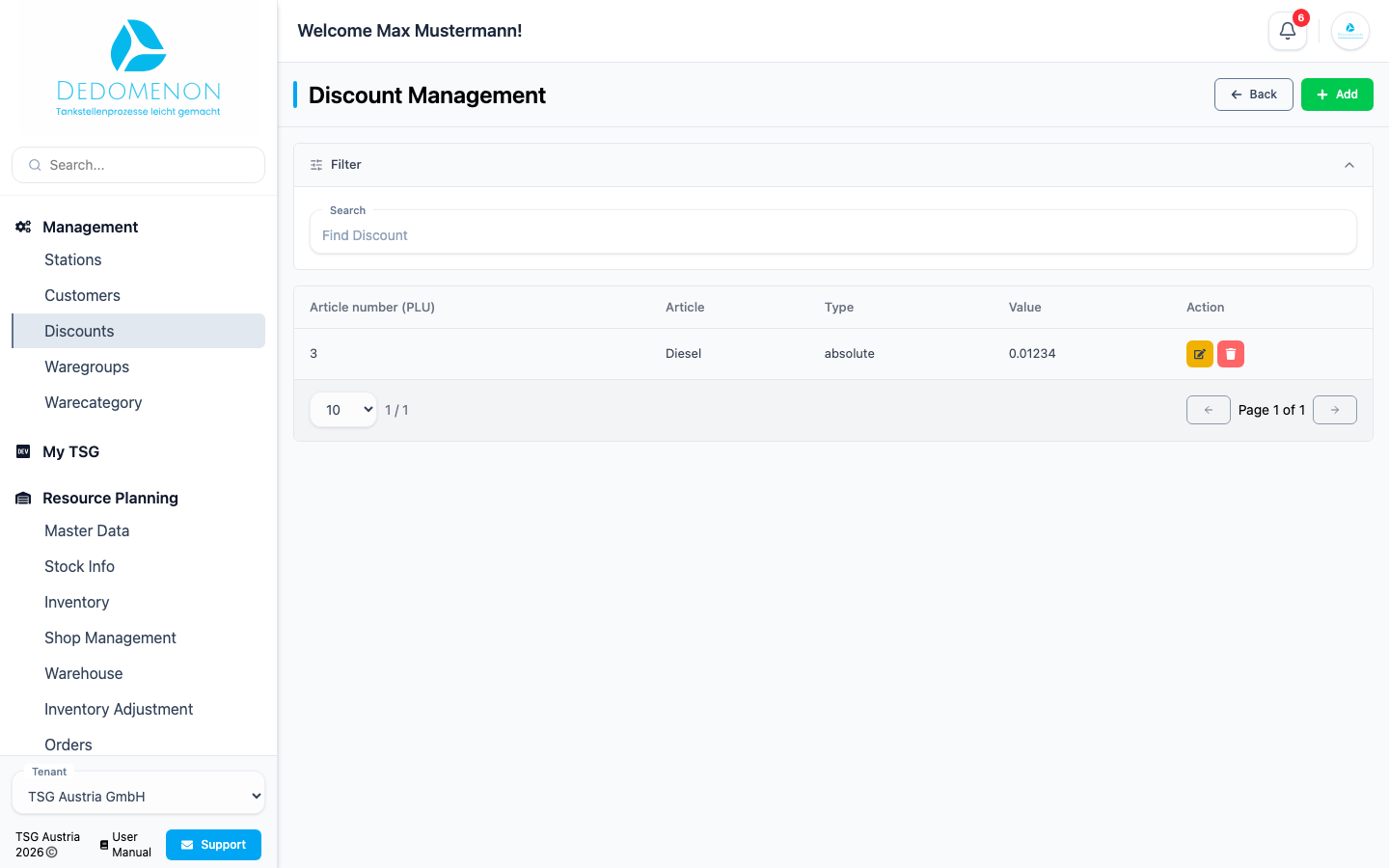
Adding a discount
- Click Add.
- In the Create new discount dialog, choose the article under Select Article.
- Choose the type of discount:
- Percentage: discount as a percentage of the price
- Absolute: fixed amount deducted from the price
- Fixed: fixed price the customer pays
- Enter the amount under Value.
- Click Save.
Editing or deleting a discount
- Edit: Click the pencil icon. Besides the discount, the Edit discount dialog shows the article's price, the Discount (net) and Discount (gross), the Price after Discount and the discount in Percentage (%), so you can see the effect right away.
- Delete: Click the trash icon and confirm the prompt.
Assigning a discount list to a customer
Open the customer under Customers and select the list under Discount list in the Accounting section. Click Save.