Void invoices
The Cancelled invoices page (sidebar: Finance → Void Invoices) lists all cancellation invoices. A cancellation invoice is created when you cancel an invoice in the invoice overview with the VOID menu entry (see Invoices). You do not cancel anything on this page itself; here you view and print the cancellation invoices. A cancellation invoice has its own number and refers to the original invoice, which stays unchanged. The delivery notes of the cancelled invoice can be invoiced again. A cancellation cannot be undone.
You need the permission Void Invoices. Your administrator assigns permissions under Settings → User management (see User management).
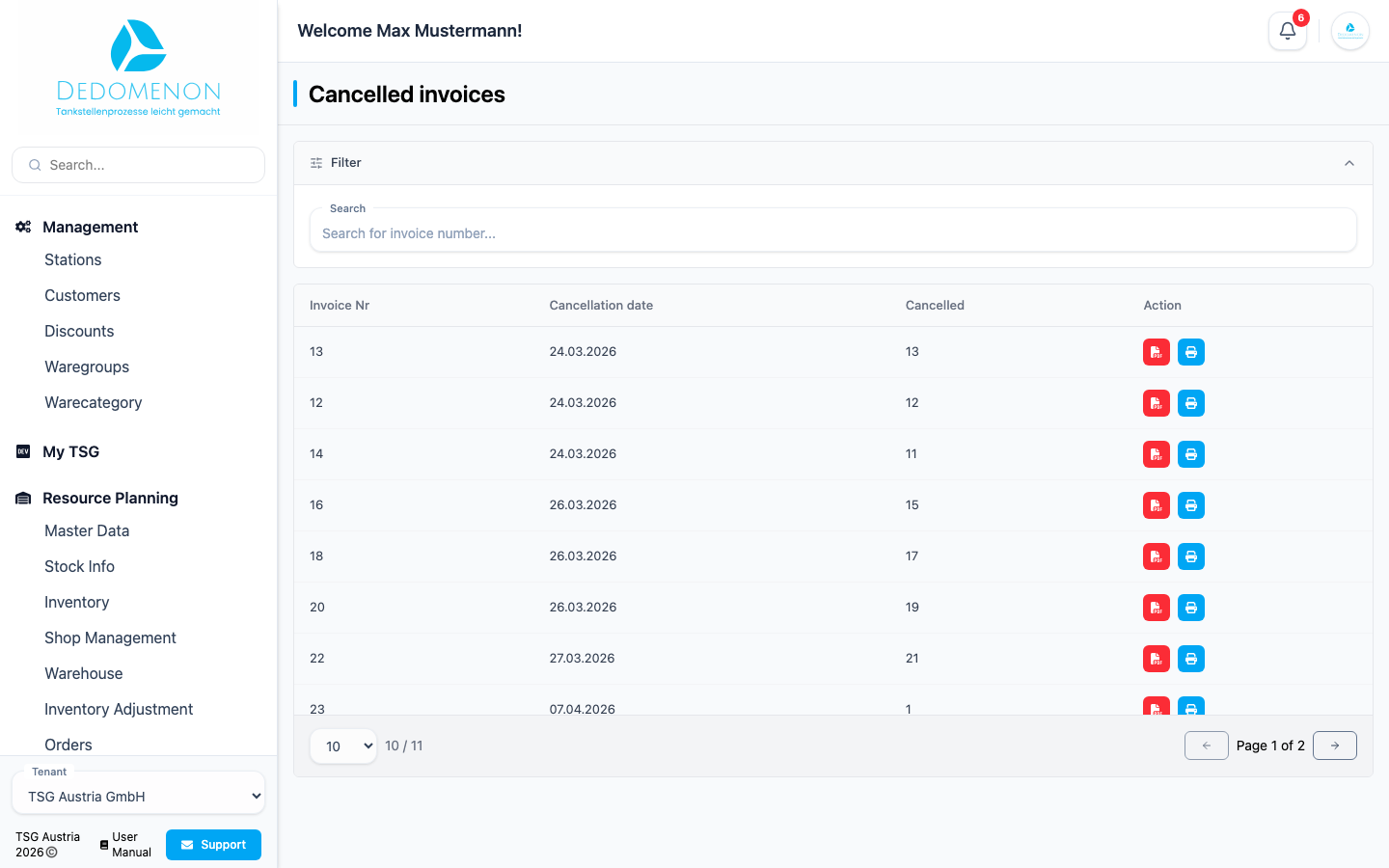
The list
| Column | Meaning |
|---|---|
| Invoice Nr | Number of the cancellation invoice (sortable) |
| Cancellation date | Date of the cancellation (sortable) |
| Cancelled | Number of the original invoice that was cancelled |
| Action | Download PDF and Print |
In the Search field ("Search for invoice number...") you find entries by the number of the cancellation invoice or of the cancelled invoice. With many entries, use the paging at the end of the table.
Downloading or printing a PDF
- The PDF icon (Download PDF) downloads the cancellation invoice as a file.
- The printer icon (Print) opens the cancellation invoice in a new browser tab, from where you can print it.